How do I manage my subscription?
Cancel or modify (upgrade/downgrade/unsubscribe) your subscription in your subscription management portal
You can manage your own subscription via the subscription management portal. Here you can:
- Download your invoices,
- See your subscription,
- Upgrade/downgrade your plan,
- Pause or cancel your subscription.
If your payment processor is Paddle
To manage your subscription:
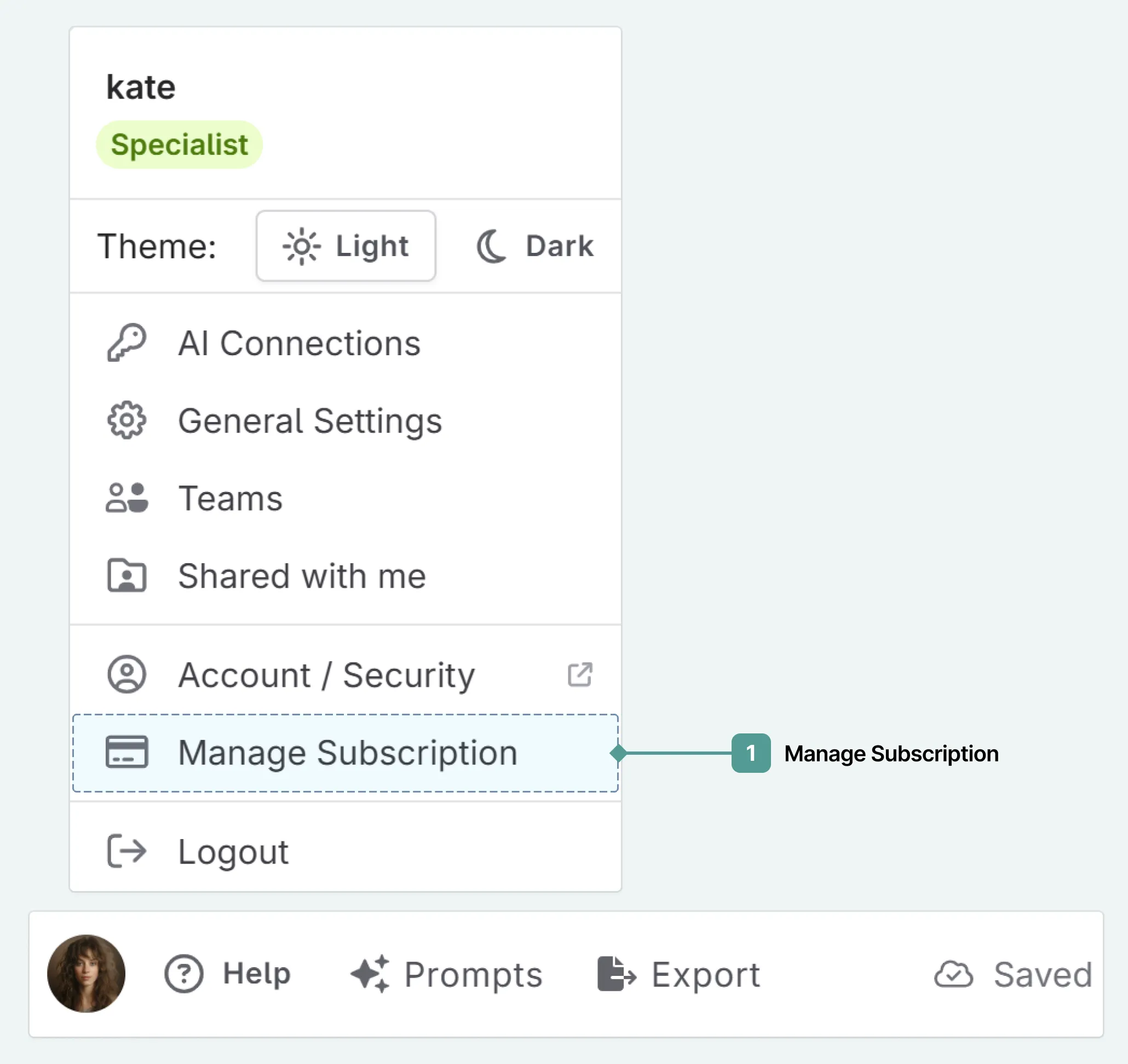
Navigate to your profile menu (your avatar) and click on Manage Subscription :
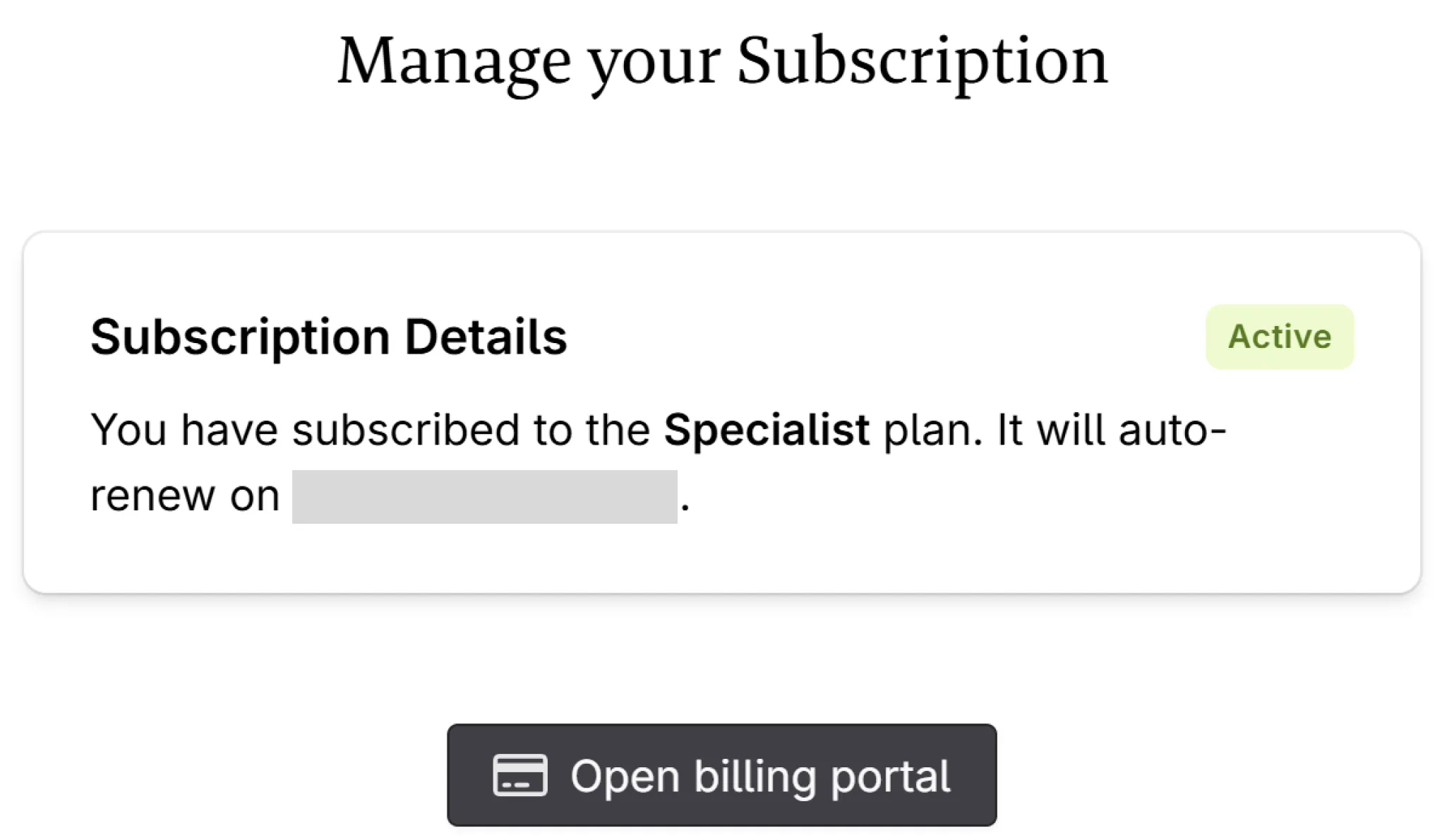
Select Open Billing Portal . The portal will open in a new tab, where you can manage your subscription.
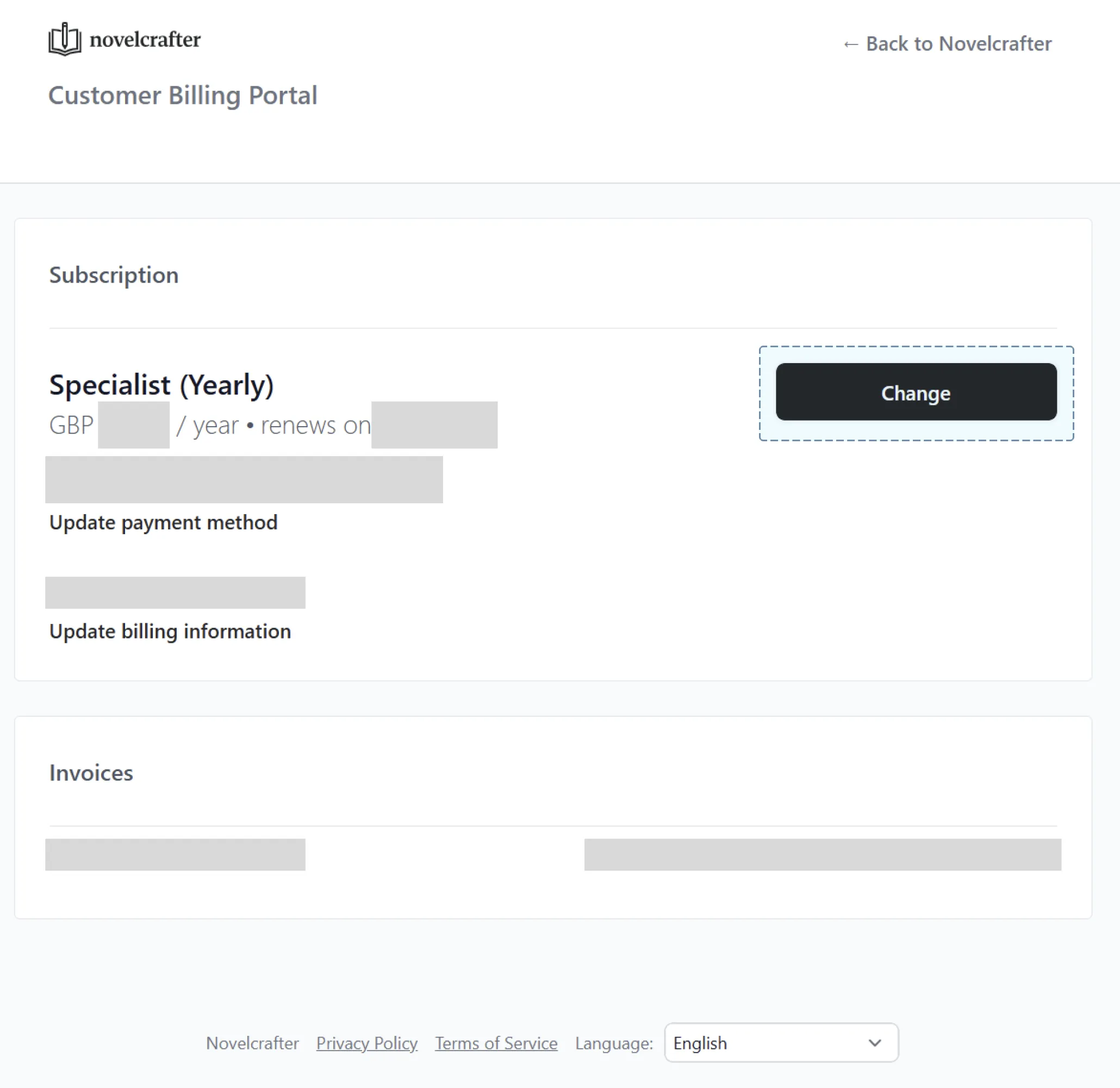
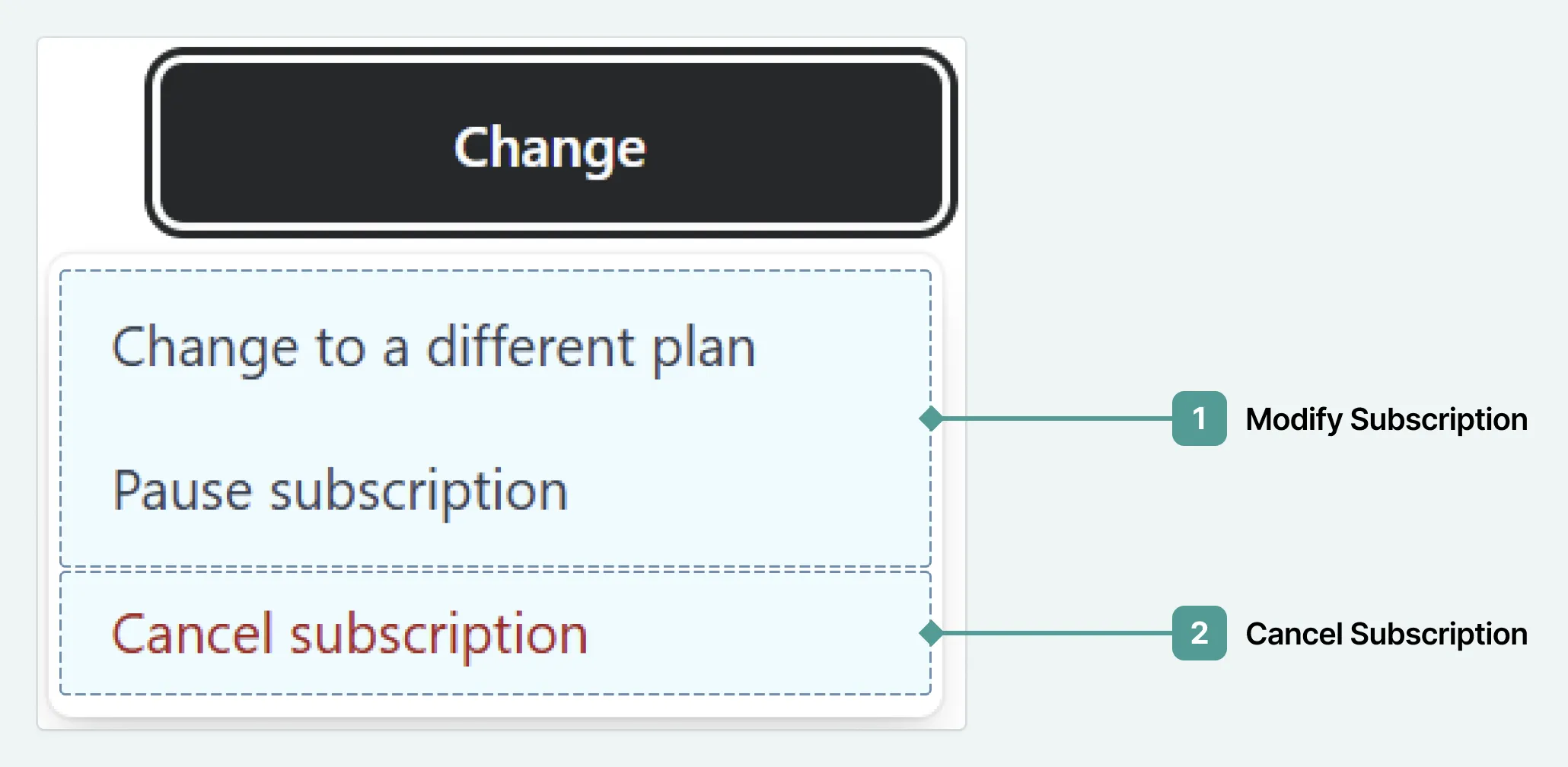
On your customer portal, you can see your payment and subscription details, as well as renewal dates. To make changes to your subscription, select Change , then select the relevant option.
If your payment processor is LemonSqueezy
If you subscribed before April 2024, here’s how you can manage your subscription:
Navigate to your profile menu (your avatar) and click on Manage Subscription :
Select Open Billing Portal (Lemon Squeezy) .
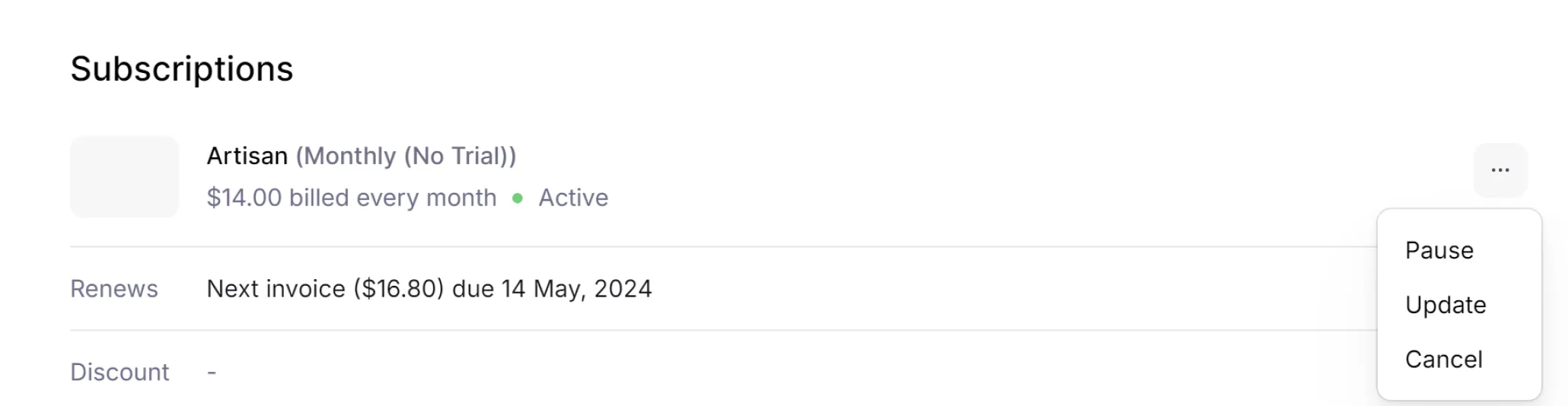
In the billing portal you can make the changes by clicking on the actions menu (three little dots - depending on if you are using light/dark mode, this might be quite pale/hard to see).